
Bluey: Let's Play!
Budge Studios

| Category | Casual |
| Installs | 50,000,000+ |
| Version | 2026.7.0 |
| Updated | Jun 5, 2026 |
About this game
Game Overview
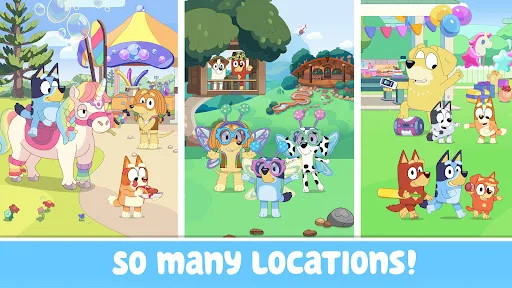
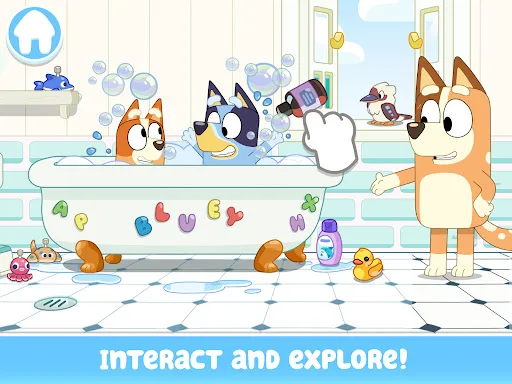
Bluey: Let's Play! is a casual, child-focused sandbox built around the Heeler family home. Developed by Budge Studios, it translates the TV show’s pretend-play tone into a tap-and-drag mobile game where rooms act as small activity spaces rather than levels. The loop is simple: explore a familiar setting, trigger little interactions, create scenes, and move between colouring, mini activities, and make-believe play. That structure suits short sessions and very young players, especially on tablets where the larger screen helps. The visual style stays close to the show’s bright, rounded look, which makes the app feel recognisably Bluey without asking much from the player. It is less about challenge than about repetition, discovery, and gentle cause-and-effect.
Core Gameplay Features
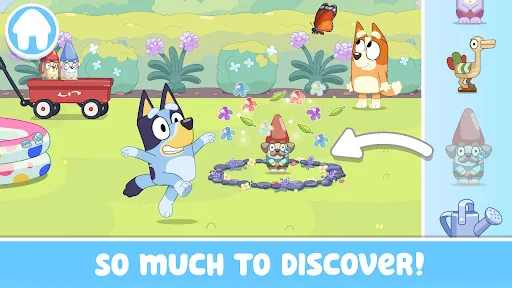
- House Exploration Players can move through Bluey’s house and look for hidden surprises. The design encourages casual wandering and repeated poking at objects instead of structured progression.
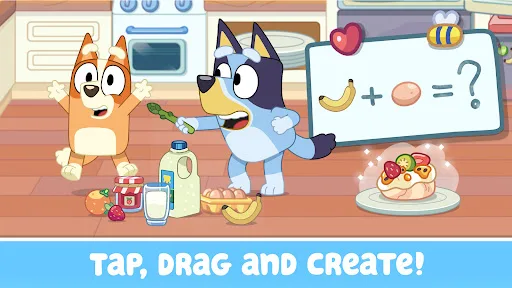
- Tap And Drag Play The app relies on simple touch input, with tap, drag, and interaction prompts driving most activity. That keeps the controls approachable for preschool and early primary-age players.
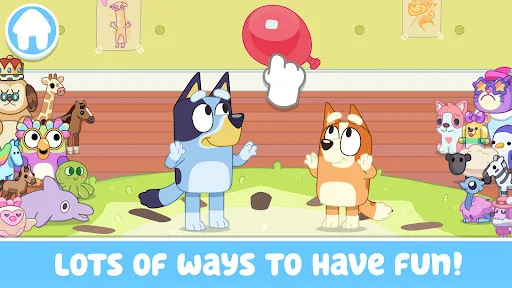
- Pretend Scenarios Rooms support make-believe activities such as cooking, building, and tea parties. These scenes are meant to be rearranged in the player’s imagination rather than solved.
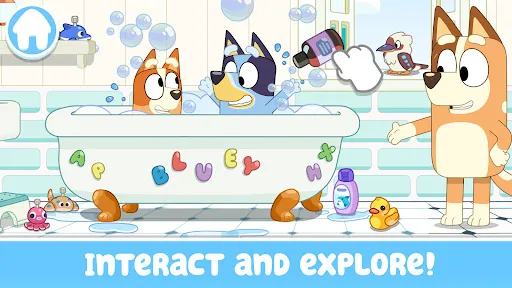
- Mini Activities The description mentions keepy-uppy, trampoline play, bubbles, and other small diversions. These give the experience a toy-box rhythm instead of a single long campaign.
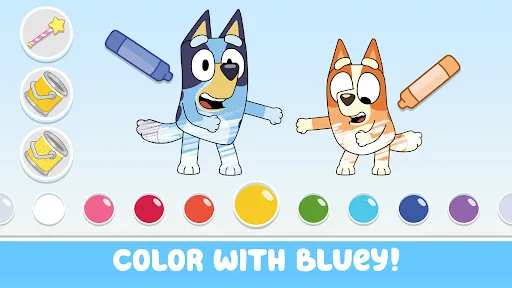
- Colouring Content Colouring pages and scenes add a quieter activity layer. This broadens the app’s pace for children who prefer drawing-style play over constant movement.
What Makes It Stand Out
Among licensed children’s apps, this one stands out for how closely it mirrors the show’s domestic, imaginative tone. The appeal is not complexity; it is the familiarity of the setting, the low-pressure structure, and the way it mixes exploration with creative play.
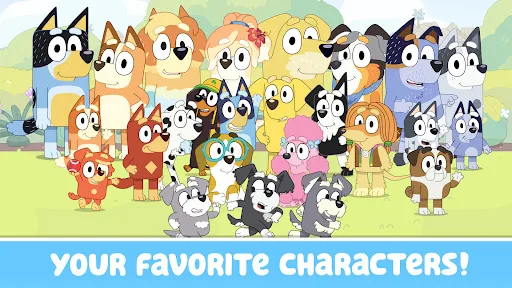
- Strong Brand Fit The app uses Bluey’s house, family, and friends as its core framework. That makes the experience immediately legible for fans of the series and easy to recognise on mobile.
- Large Audience Reach More than 50,000,000 installs on Google Play and over 224,000 ratings suggest wide exposure. That gives parents and carers more public feedback to judge than many kids’ apps.
- Recent Version Support Both stores list version 2026.7.0, with a June 2026 update on each platform. That points to active maintenance rather than a static licensed release.
Things to Know Before Playing
The practical details matter here because this is aimed squarely at young children. The app is free to download, but the store description says some content requires a paid subscription. That makes the first install only part of the picture.
- Subscription Access Some app content is behind a paid subscription, so the free download does not necessarily include everything. That is the main monetisation detail to check before installing.
- Age Suitability Google Play rates it for 3+ and the App Store lists 4+, which suits preschool use. Parents may still want to set up purchase controls because the audience is very young.
- Storage Planning The App Store lists a size of about 175.4 MB, so a little extra free space is sensible for updates and cache. The Android listing does not show size, so the store page remains the best reference.
You may like

Candy Crush Saga
King

My Talking Tom
Outfit7 Limited

Pou
Zakeh

My Talking Tom 2: Pet Game
Outfit7 Limited

Homescapes
Playrix
Gardenscapes
Playrix
Township
Playrix

Minion Rush: Running Game
Gameloft SE

Candy Crush Soda Saga
King

My Talking Tom Friends
Outfit7 Limited
My Talking Angela 2
Outfit7 Limited

Hay Day
Supercell

Coin Master
Moon Active
Farm Heroes Saga
King

Angry Birds 2
Rovio Entertainment Oy